
Theme Builder basics: your first header and footer
Create a sticky header with a mobile menu and a four-column footer in Urmi’s Theme Builder, and show…

Urmi – AI-Powered Website Builder 0.1.0
Design pages yourself, or connect Claude, ChatGPT or Cursor and let your AI build with the same elements. Everything it makes stays editable.
Works with

Claude

ChatGPT

Cursor

VS Code

Windsurf
Urmi in 40 seconds
Design by hand, or ask your AI. Same elements, same Design System.
80
Widgets, from headings to loop grids
54
Tools your AI can call
40
Section patterns to start from
9,000+
Free icons, inline SVG

Design principles
One-click connect from Claude and ChatGPT
Read, content, design or site
Every tool call recorded
Every change snapshotted
Also
Rate limits · Role manager · No admin rights for AI
Need a head start? Begin from 40 section patterns and starter sites. Browse templates
Open Urmi → AI & MCP and follow the steps for your app. Claude and ChatGPT connect with OAuth in a few clicks; Cursor, VS Code and other clients use a scoped API key.
Cursor
Paste the server URL and your API key into mcp.json.
API KEY · SCOPED
Claude
Add Urmi as a connector and approve the scopes you want.
OAUTH 2.1 · PKCE
ChatGPT
Enable developer mode and add the server URL.
OAUTH 2.1
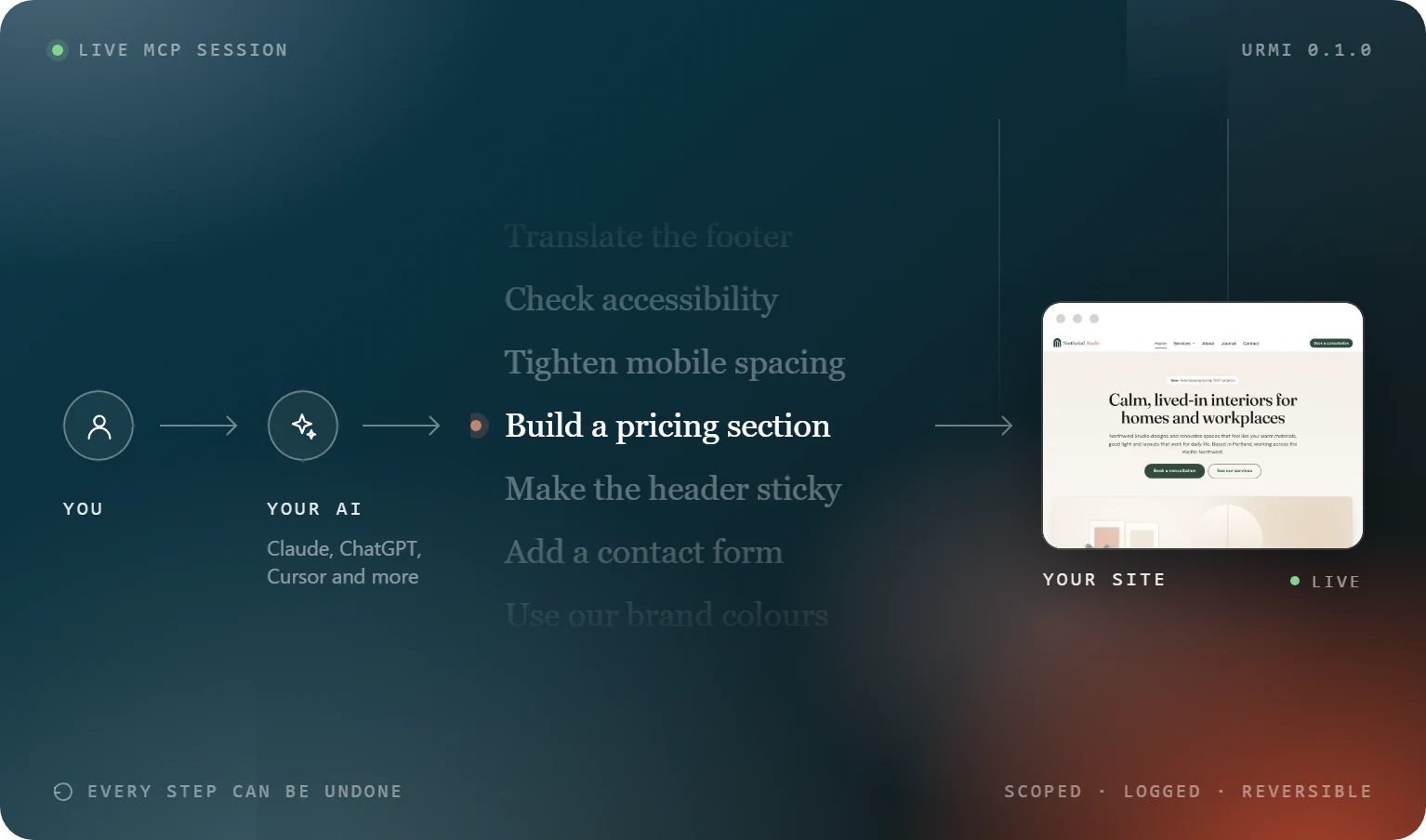
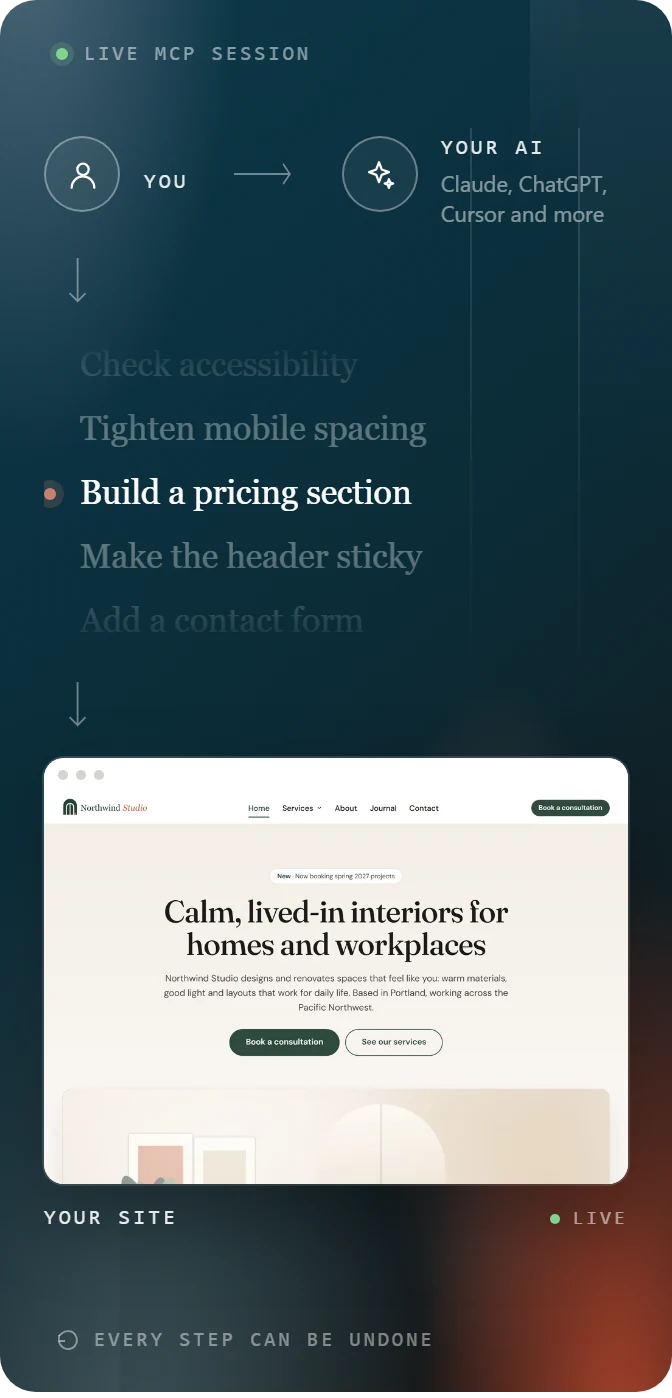
Describe a page, a header, a popup or a change. Your AI reads the build guide and the widget schemas first, so every setting it writes is valid and on brand.
You
Make the header sticky and add a Download button.
EDIT_ELEMENTS
You
Build a pricing page with two plans, an FAQ and a call to action.
GET_BUILD_GUIDE → CREATE_PAGE
You
Use our brand colours and fonts across the site.
UPDATE_DESIGN_SYSTEM
Open the page in the editor. Every section, heading and button your AI made is a normal element: move it, restyle it, or undo the change from the activity log.
Audit
One heading level skipped. Fixed.
AUDIT_PAGE · 1 FIX
Activity log
create_page “Pricing” — draft saved. Undo available.
SNAPSHOT · UNDO
Editor
Hero image swapped by hand, same page, no conflicts.
LIVE SYNC
Classic or block theme, one language or ten, your mailing list and your spam protection of choice.
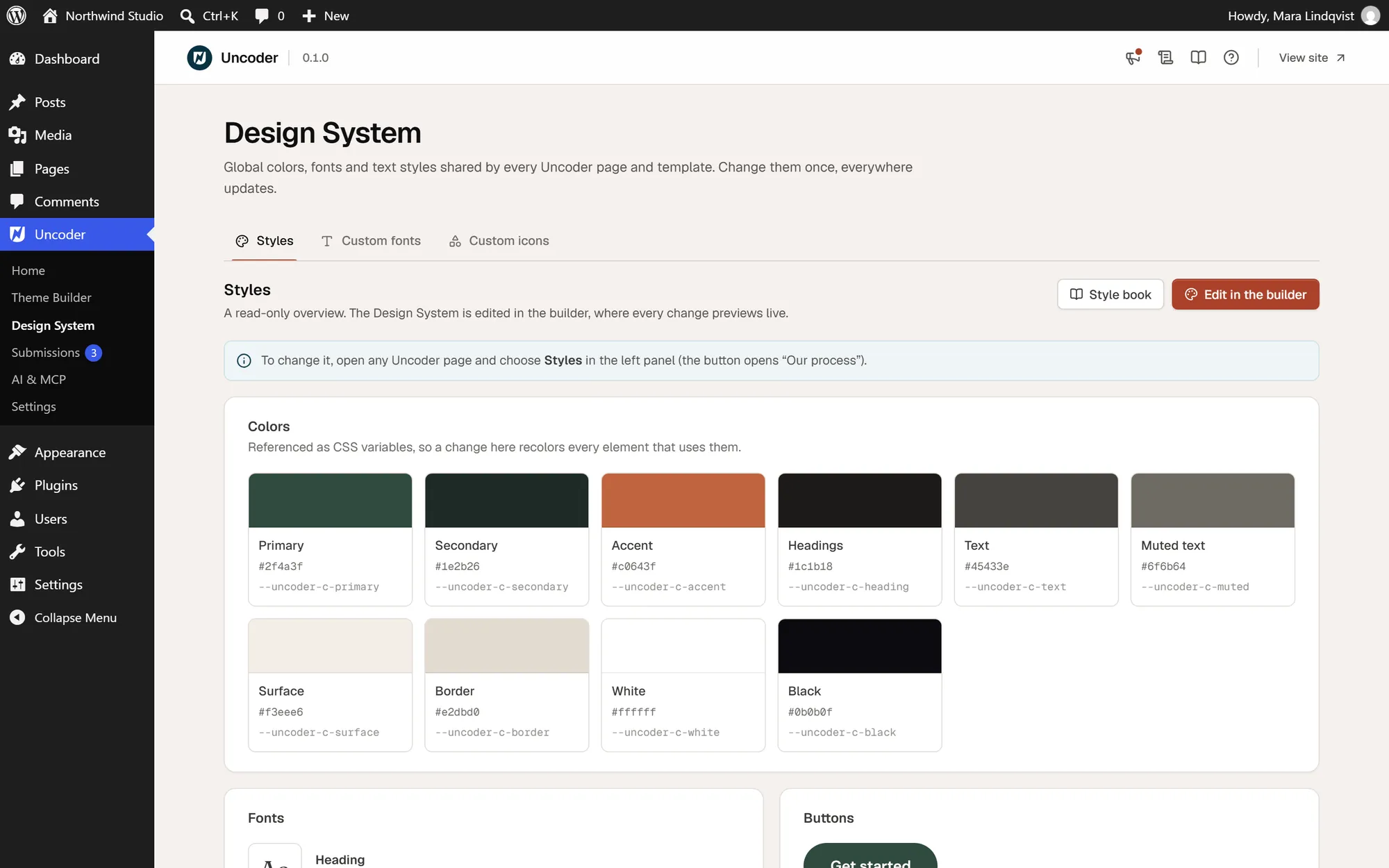
Set your colours, fonts, text styles and buttons once. Every widget reads them, so each page, header and popup stays on brand.
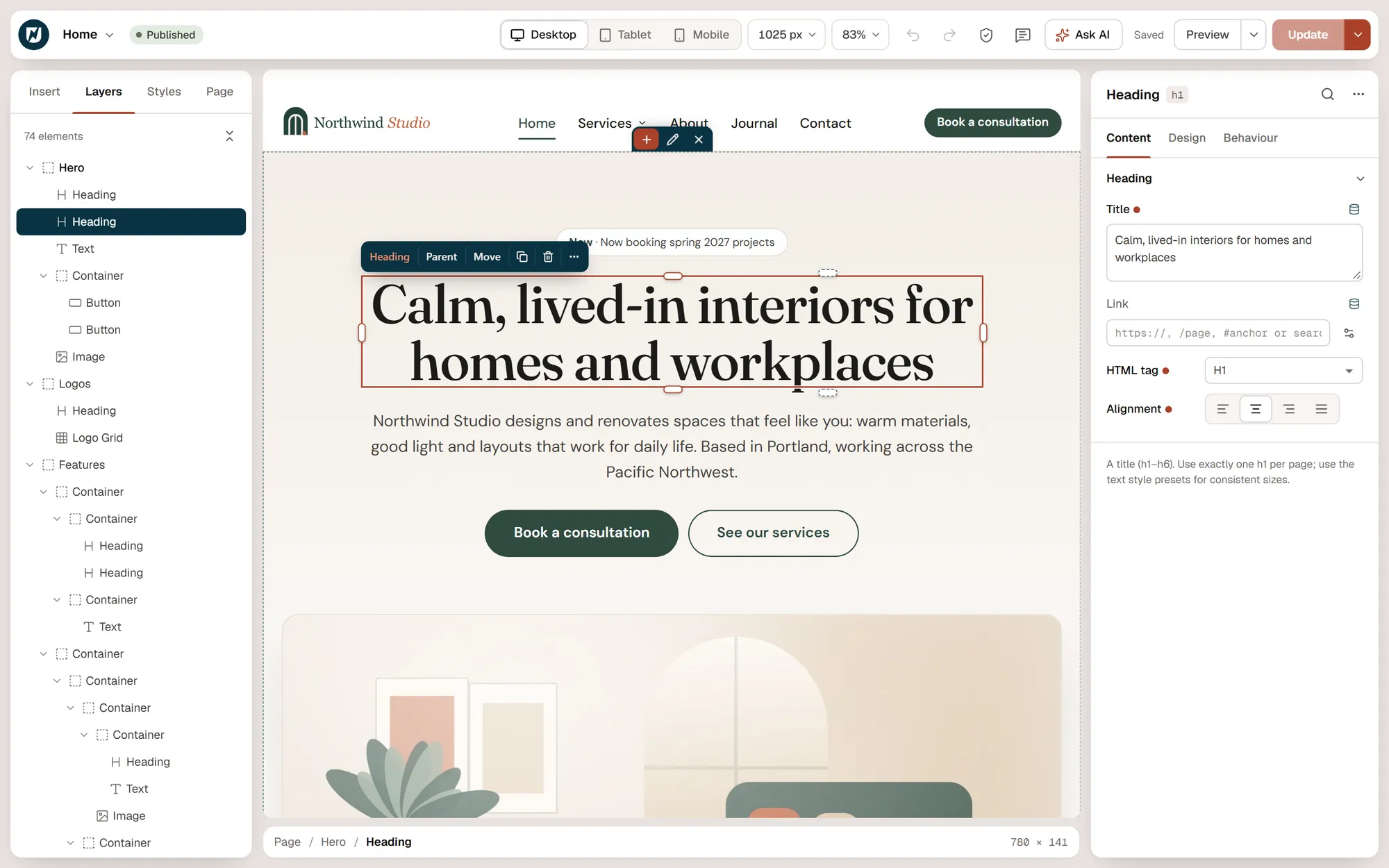
Drag flexbox and grid containers onto a live canvas, pick from 80 widgets and tune every breakpoint side by side.
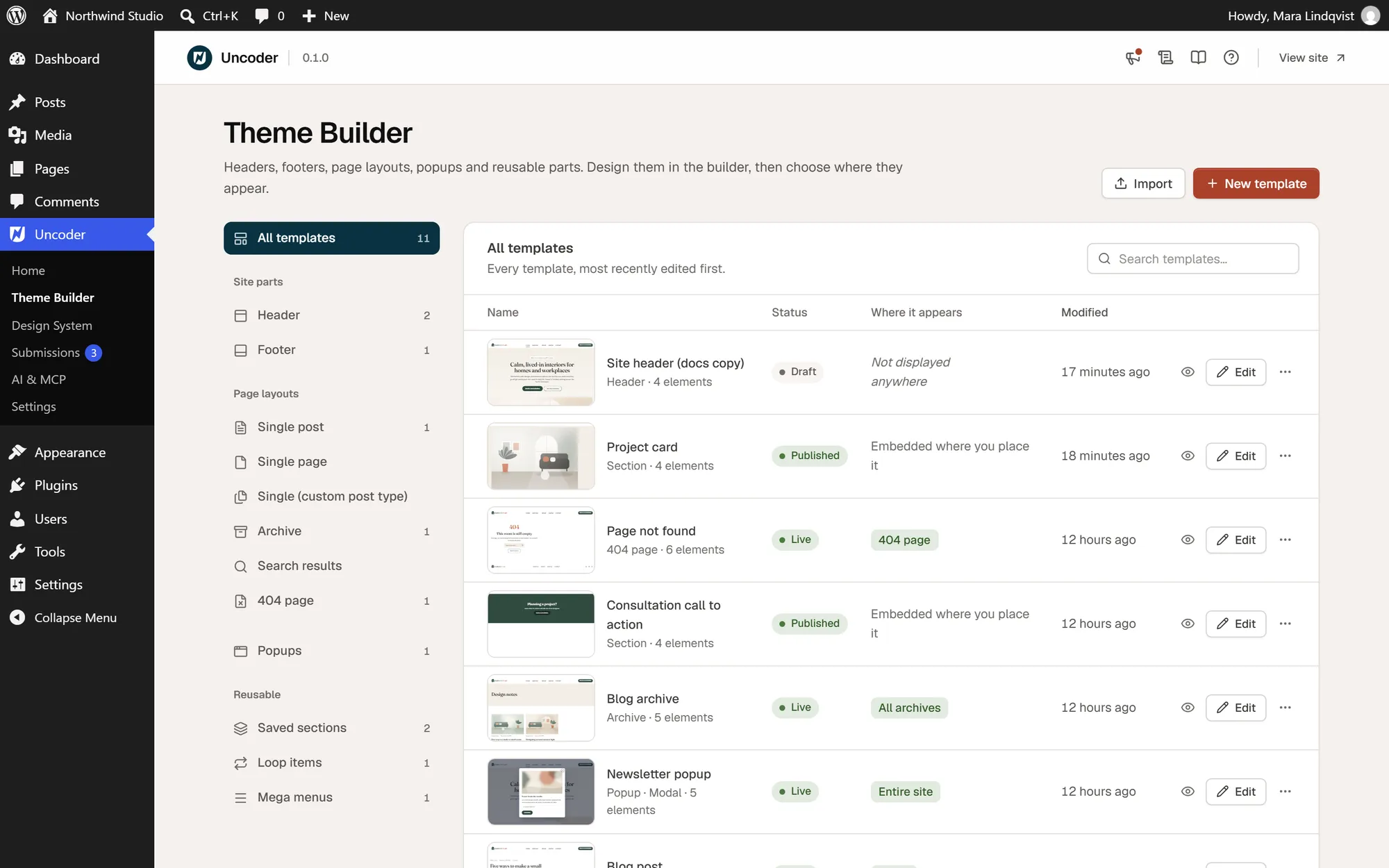
Headers, footers, post layouts, archives, 404 and search pages, popups and mega menus, each shown where its conditions say.
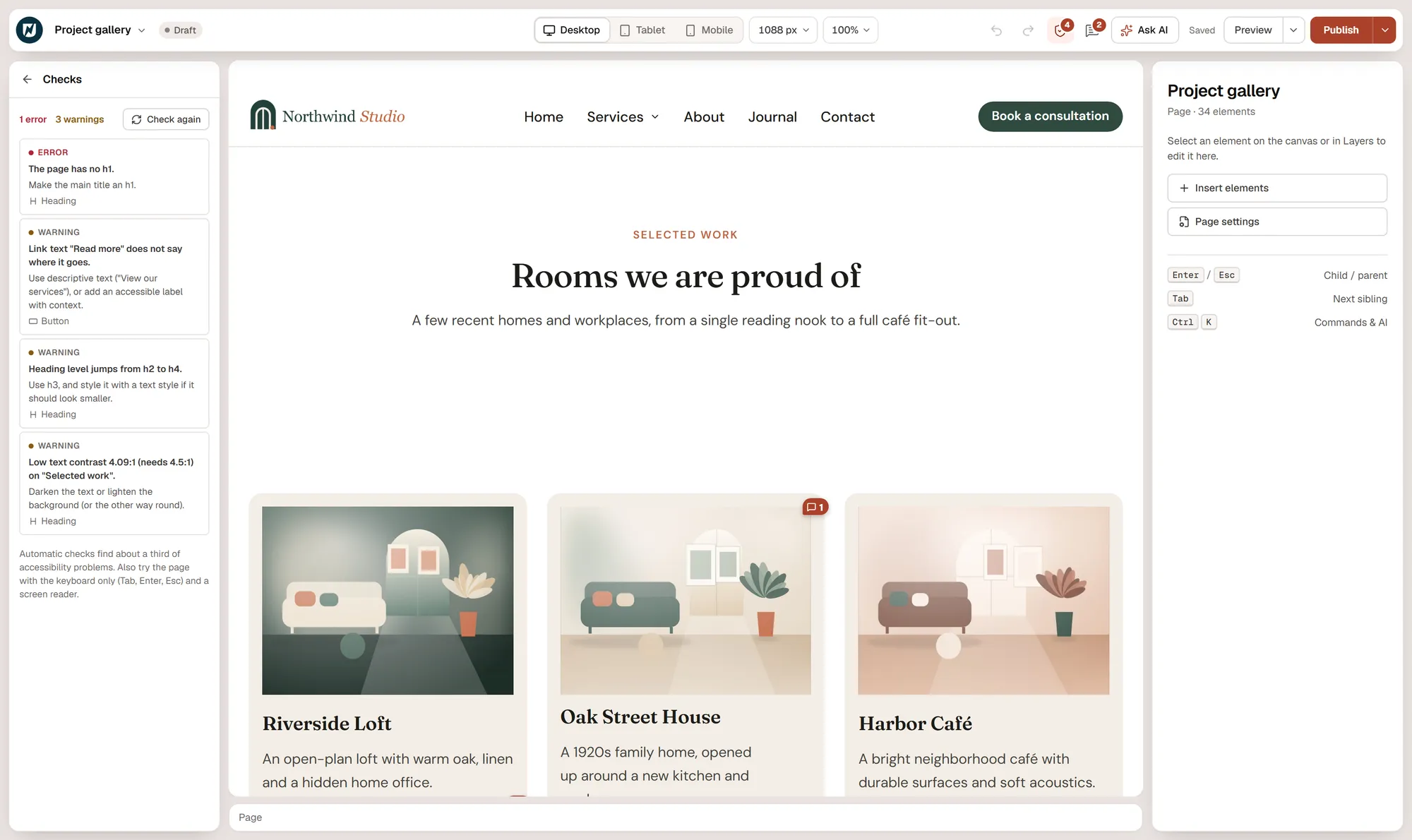
Preview each device, run the page check for headings, contrast and alt text, then publish. Revisions and autosave keep every version.
Lightweight by default
~2 KB
Front-end runtime. Widget code loads only where it is used.
0
Icon fonts loaded. Every icon is inline SVG.
100%
Of what your AI builds stays editable by hand.
Install Urmi from your dashboard, open any page with “Edit with Urmi” and start from a pattern, a starter site or a blank canvas. Connect your AI app whenever you are ready.
Step
01
|
02
|
03
|
04
Built for
WordPress 6.6+
PHP 8.0+
Any theme, classic or block
WPML & Polylang
Free, no account
Create a sticky header with a mobile menu and a four-column footer in Urmi’s Theme Builder, and show…
Connect Claude to your WordPress site through Urmi’s MCP server, ask for a page, and review the result…
Urmi is a free visual page and theme builder for WordPress with an MCP server built in, so…